
 V8.
V8. 
Last Update: 04-11-2025 –> Julien MICHEL
Installation of Origin Version 8 for Windows
Prerequisites: (in the Download section)
Download the Origin V8.1 version
Click on the “Origin81.exe” file and extract it into a directory: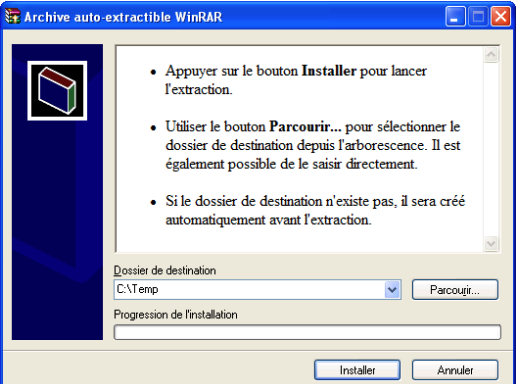
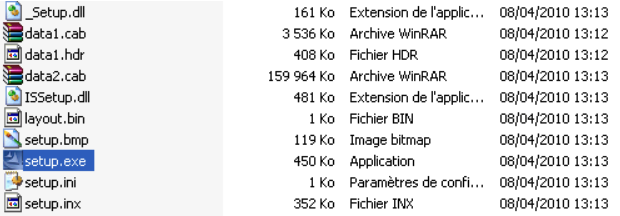
Once extracted, run the “Setup.exe” file:
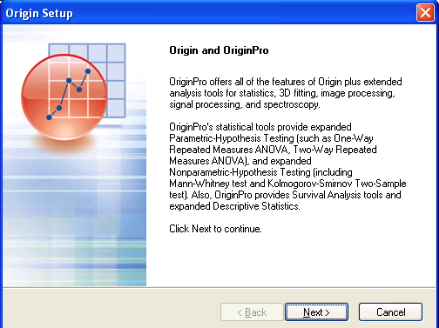
Click “Next”, then “Next”. .
. 
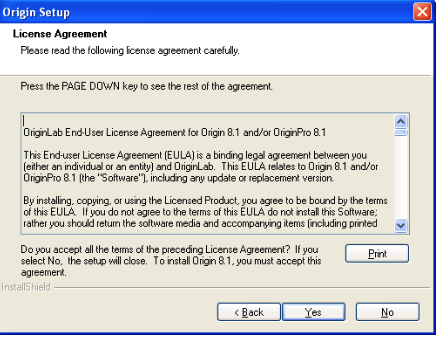
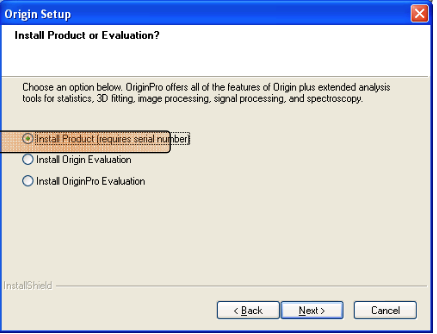
In “License Agreement”, click “Yes”, then “Install Product”.
 .
. 
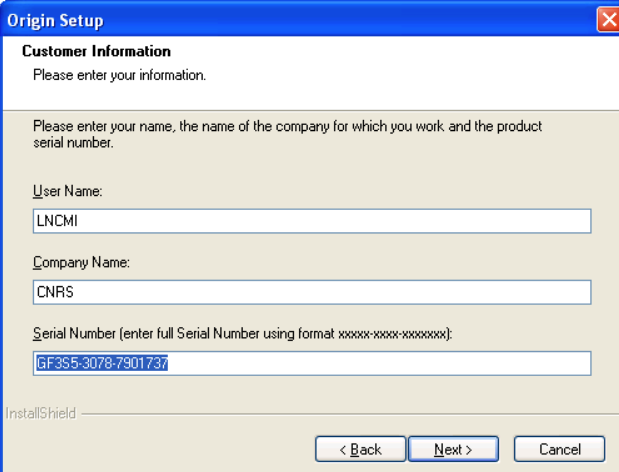
In “Origin Setup”, enter the Serial Number → GF3S5-3078-7901737.
. 
Click « Yes »: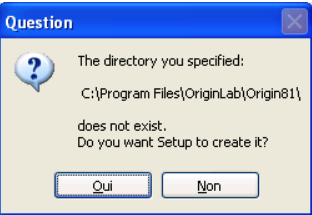
Click “Next” (unless you want to change the installation directory),
then click “Yes” to create the directory.
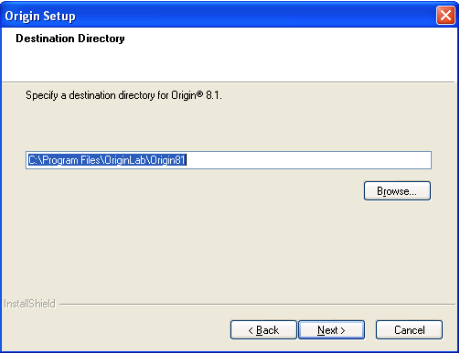 .
.
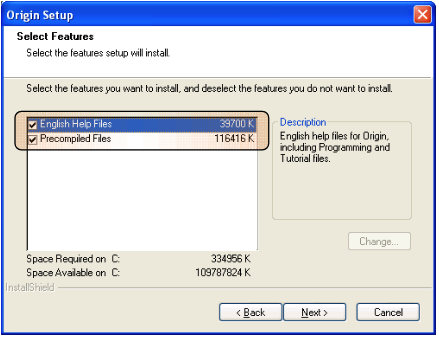
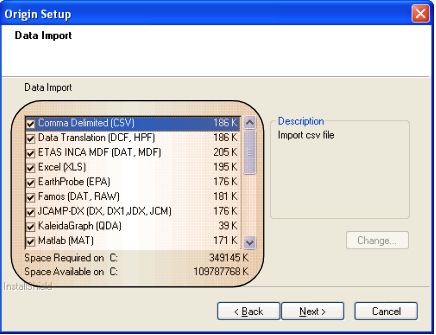
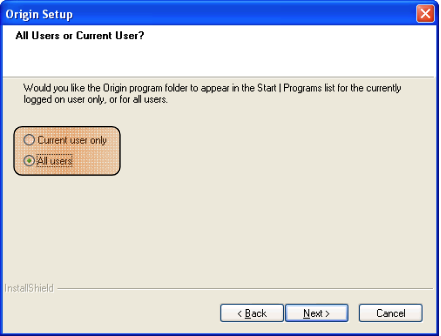
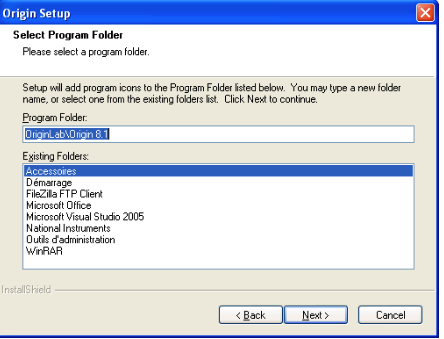
Choose your options, then click “Next”.
 .
. 
 .
. 
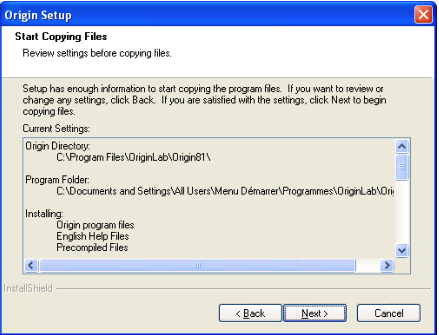 .
. 
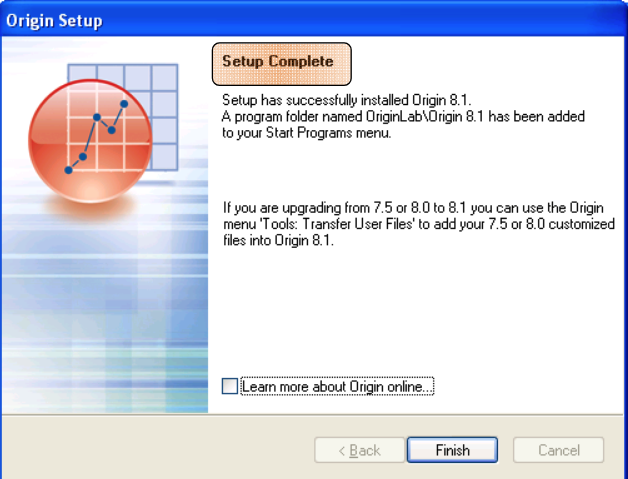
Click on the Origin8.1 shortcut.
Click “OK”, then “Yes”.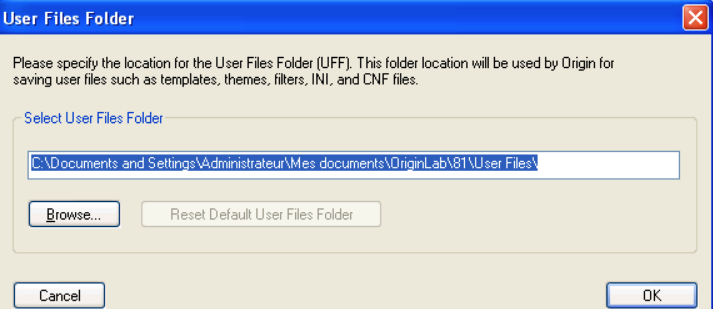
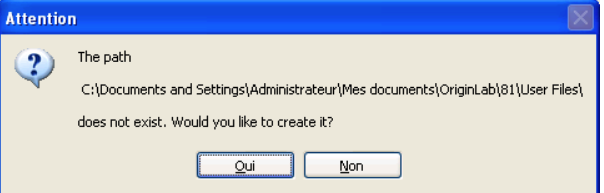
A License Information window opens:
FLEXlm Server : licences.grenoble.cnrs.fr
TCP/IP Port : 27001
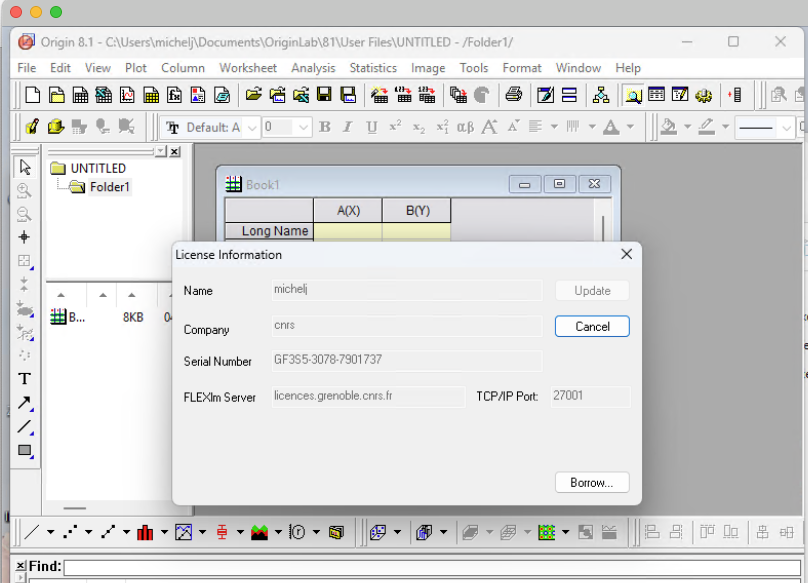
A License Information window opens:
Once the server is registered, the following window appears.
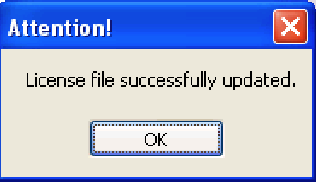
WARNING!!
CLOSE ORIGIN 8.1
then RELAUNCH IT!!