

Last updated: 09-10-2025 → Julien MICHEL
Installation of LabVIEW Version XXXXX for LINUX
Prerequisites: (in the Download section)
– Download the LabVIEW version for LINUX
Install .deb file:
In terminal launch :
sudo apt install ./Bureau/ni-labview……deb
Install Labiview:
In terminal launch :
sudo apt update
sudo apt install ni-labview-2025
Licence Activation
Launch Labview:
labview64
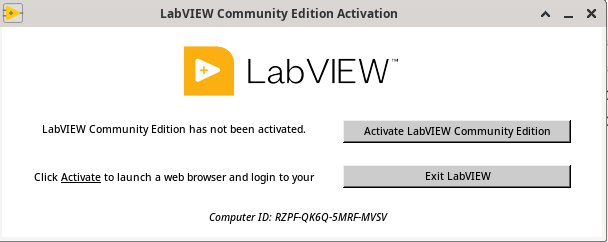
Select “Activate LabVIEW Community Edition”
Then request assistance from your laboratory’s IT specialist to activate your license.
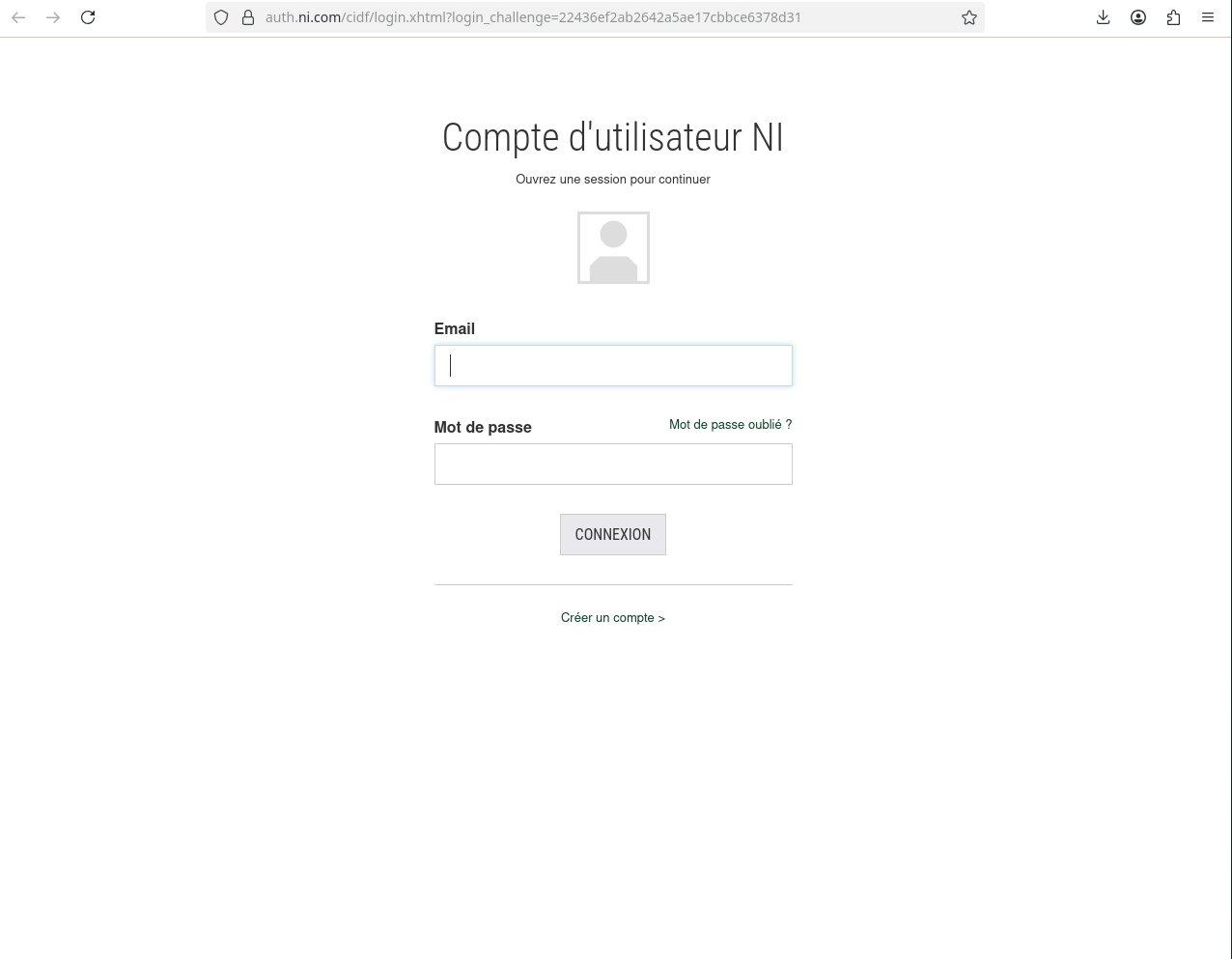
They will log in through the browser windows: